Mailgun
This tutorial provides step-by-step instructions on how to rotate a Mailgun API Key.
Generate a new Mailgun API Key
Step 1 - Navigate to the Mailgun API Security page
After logging in, navigate to https://app.mailgun.com/settings/api_security.
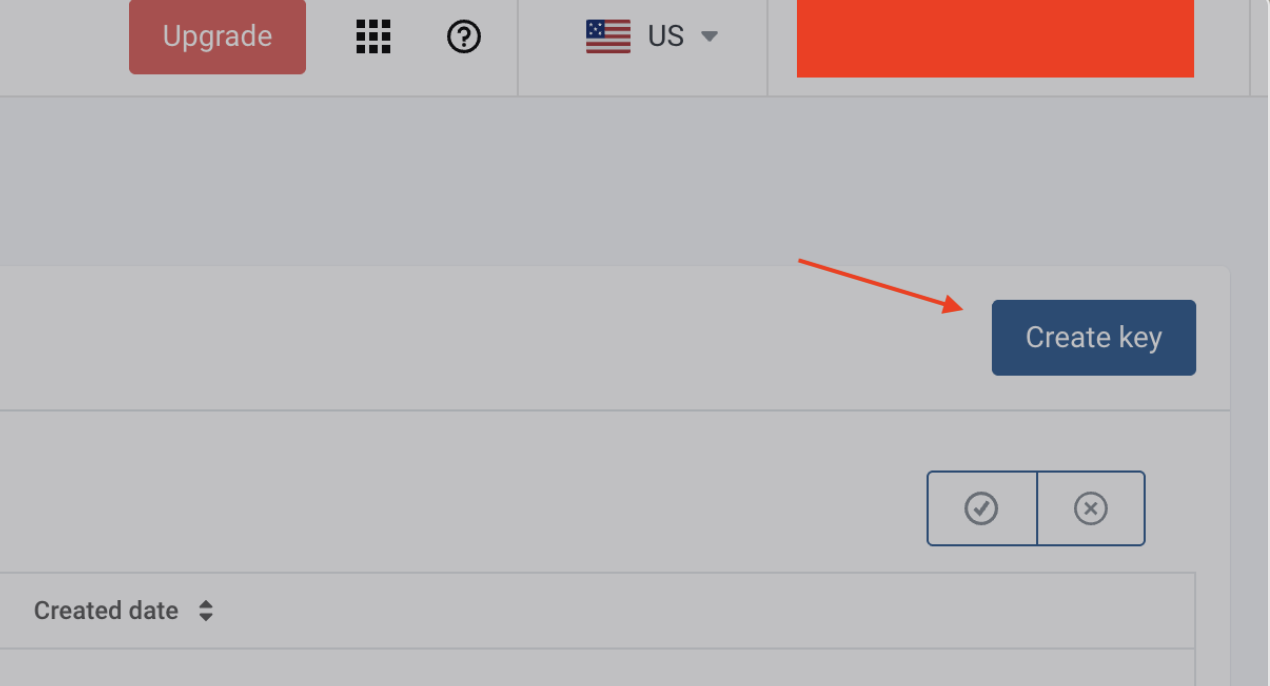
Click on “Create key” in the top-right corner to generate your new API Key
Step 2 - Generate a new Mailgun API Key
2a. Click on “Create Key”
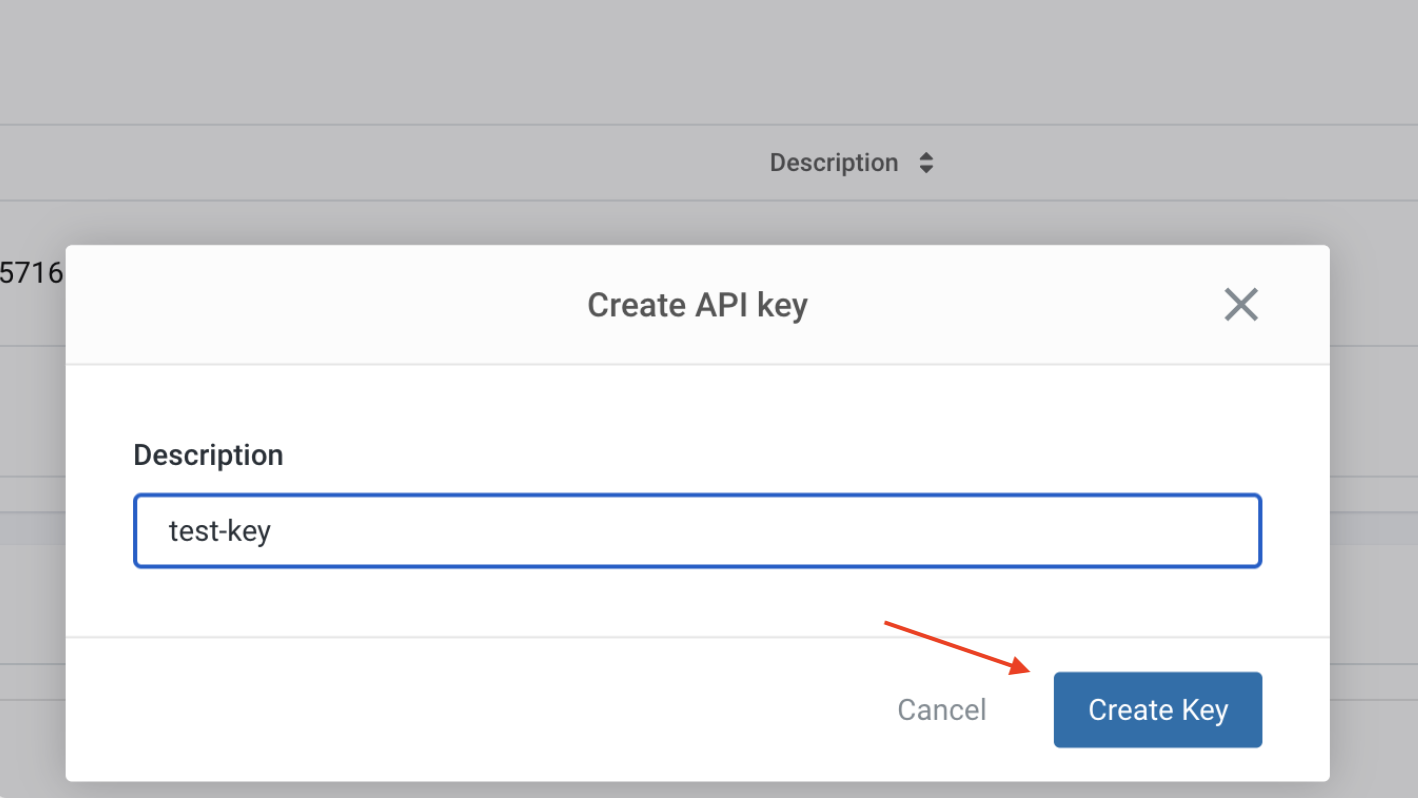
2b. Provide an “API Key Name” and click on “Create Key”
Step 3 - Copy the new key
Copy the new key manually or by selecting the “Copy to Clipboard” button. Then, click “Done”.
Note: For security reasons, Mailgun API key values are inaccessible after creation. If you lose the key, you will need to generate a new one.
Replace the Leaked Mailgun API Key
Replace the leaked Mailgun API key with the new one in all impacted applications and services.
Revoke the Leaked Mailgun API Key
Step 1 - Navigate to the Mailgun API Key page
Navigate to https://app.mailgun.com/settings/api_security.
Step 2 - Revoke the Mailgun API Key
2a. Delete the API Key
Click on the trash can icon next to the key that you need to delete

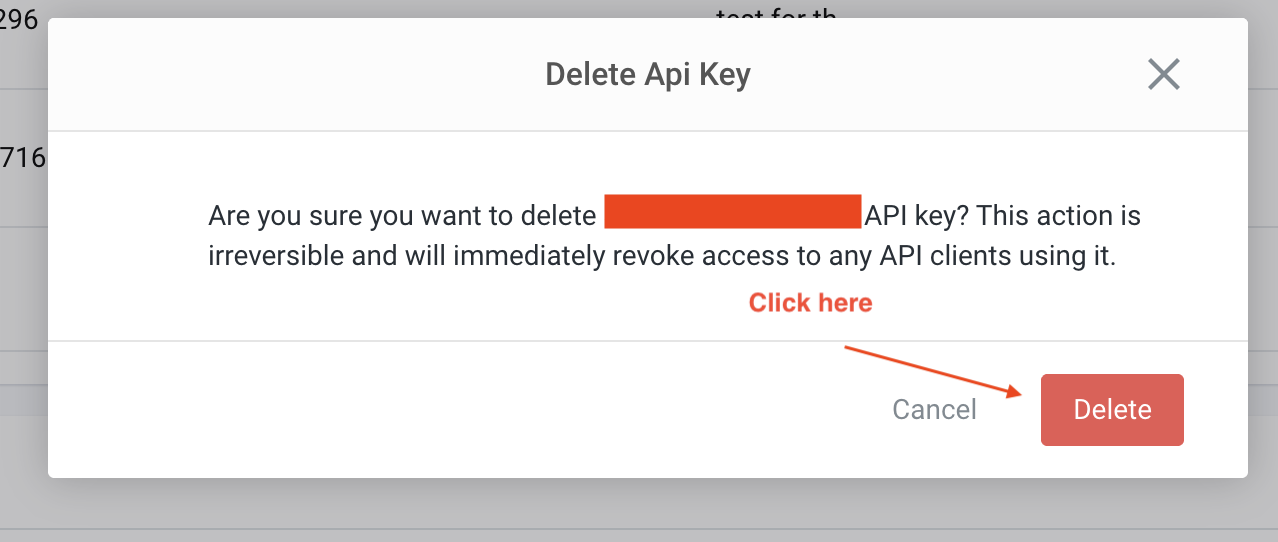
2b. Confirm deletion
Click on “Delete” to confirm deletion of the given API key